CSCE 242: Web Applications
In Web Applications, our objective is to learn to create dynamic web software by mastering HTML, CSS, and Java. Through hands-on projects, we design user-friendly interfaces, integrate databases, and address security issues. This course equips students to excel in modern web development and contribute to the evolving digital world.
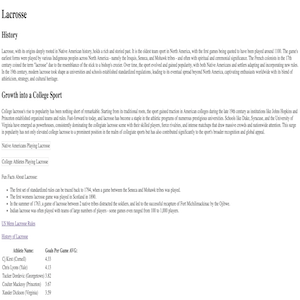
In assignment 1 we implemented html code using proper techniques and created a website about the sport of lacrosse and its development into a college sport.
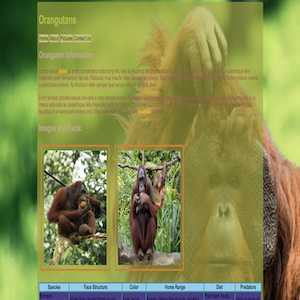
In assignment 2 we implemented css syling and created another website, this time with divs, a background image, a color scheme, and more.
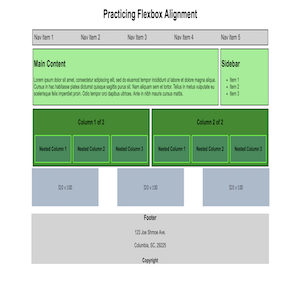
In assignment 3 we implemented flexbox and media query to allow a better viewing experience on smaller resolutions.
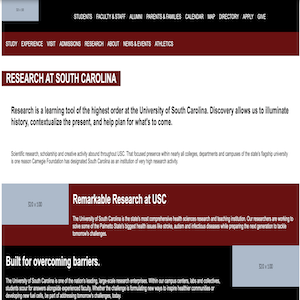
In assignment 5 we modeled the research page on UofSC's website using the skills that we have garnered so far on HTML and CSS.
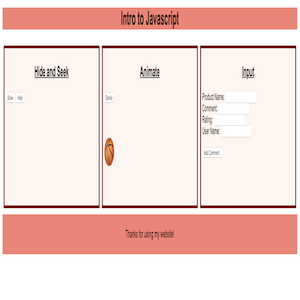
In assignment 6 we used some basic scripting to create a hide and seek game with 2 buttons, a moving icon, and a way to leave reiews on a product.
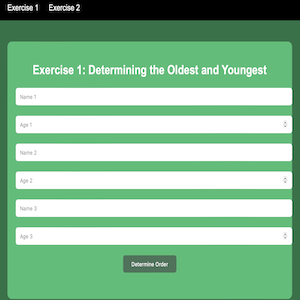
In assignment 7 we took what we learned about flexboxing and text boxes in order to create 2 games on a webpage; a 'who is older' game and a 'thermometer' game.
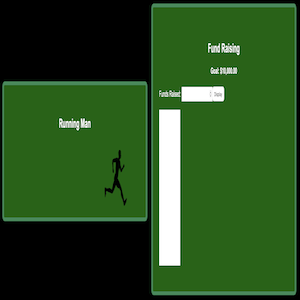
In assignment 8 we used basic javascript to make 2 flexboxes; a man that runs across the screen and a fundraising bar that will gradually fill the bar to the value that the user put in.
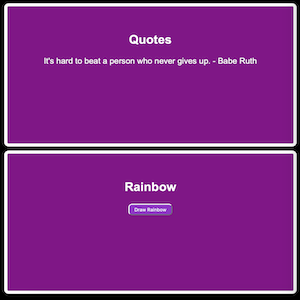
In assignment 9 we used loops and an array of quotes to create a flexbox that rotates between a set of 5 quotes, as well as another flexbox that gradually creates a rainbow and displays a pot of gold at the end.
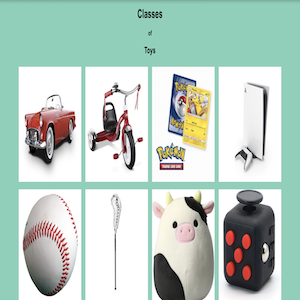
In assignment 10 we used multiple toy classes in order to create a webpage that displays ten different toys, and when you hover over the image, it displays a name, age range, rating, and price for the toy.
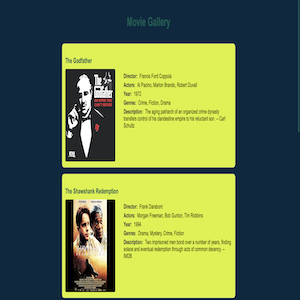
In assignment 11 we learned JSON parsing and used it to display a list of movies, each with a description and some other information.

In assignment 12 we created a web server to display a simple message from a github repository.
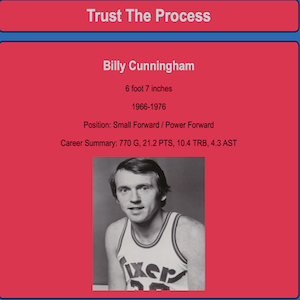
In assignment 13 we created a web server that reads from a JSON file to display information in a flexboxed format. I created mine about some of the best players for the Philadelphia 76ers.
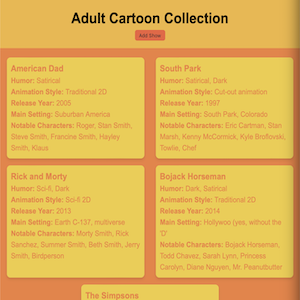
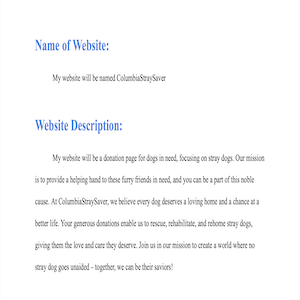
In the first part of the project, I chose the topic I would be creating my website on.
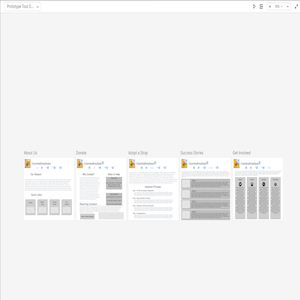
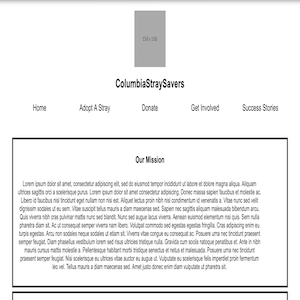
In the third part of the project, I recived feedback on my wireframe and implemented it in HTML and CSS.
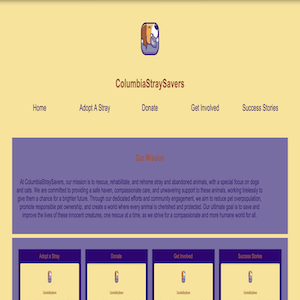
In the fourth part of the project, I added styles, images, and real text to the HTML and CSS versions.
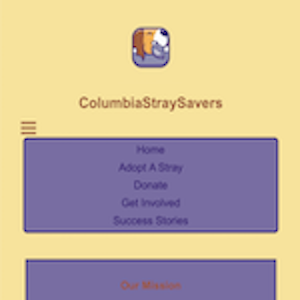
In the fifth part of the project, I added some basic scripting, an iframe, some forms, and touched up the website to make it more visually appealing.
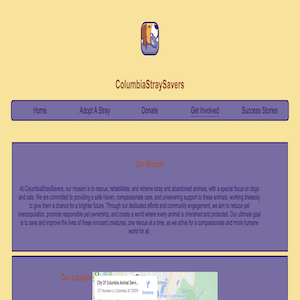
In the sixth part of the project, I used JavaScript to load a JSON file onto my success stories page (instead of hard-coding) as well as restyling it so that it looked similar to before.